Portfolio Lead, Accounting & Tax Operations – Australia
Colin Lua is a seasoned accounting professional with over 15 years of experience, including the past two years as Portfolio Lead in Accounting & Tax Operations at Sleek Australia. A trusted expert in SME accounting and taxation, Colin specialises in supporting businesses across retail, investment management, and professional services.
He holds multiple professional accreditations, including being a CPA Australia member, NTAA Fellow, and Registered Tax Agent. His academic credentials include a Bachelor of Business, Master of Accounting, and an Executive MBA—underscoring his strong foundation in business and finance.
At Sleek, Colin works closely with small and medium businesses, helping them navigate financial and tax compliance with confidence and clarity. He finds deep satisfaction in achieving successful outcomes for clients, from accurate bookkeeping to timely tax lodgements—believing that it’s the small victories that make a big impact.
Beyond his professional life, Colin enjoys reading history and business books, and recharging on nature hikes. As a child, he aspired to be a business person—something he now fulfills by supporting others on their entrepreneurial journey.
⏳ Lodging with Sleek this tax season? Nominate us now. Until you do, we can’t lodge anything on your behalf. And with the 31 October deadline near, the sooner you nominate, the sooner we can get you onto our lodgment program and its later due dates. It takes just about 5 minutes!
Here’s the short version, then the full walkthrough.
The 30-second version
Log in to the ATO's business portal with your myID, go to Profile > Agent details > Nominate agent, hit Add, and search for Sleek's agent number 26131380. Submit, then tell us so we can finish it off.
Who needs to: companies, trusts and partnerships (sole traders are off the hook)
What to have ready: our agent number 26131380 and your tax file number
How long: about 5 minutes if you're already set up with the portal
Don't forget: your nomination lapses after 28 days, so tell us once it's done
Why now: until you nominate us, we can’t lodge for you. Nominating before 31 October gets Sleek onto your file in time to lodge under the agent program — with due dates as late as 15 May for most trusts and small companies, instead of the 31 October self-lodge deadline.
There’s one catch the tax office won’t budge on: you have to do this yourself. This guide will walk you through it, but the actual click has to come from you, the owner or director. It’s a security thing, and a good one, since it stops anyone else quietly hooking themselves onto your tax file.
Here’s roughly what you’re in for: if you already have a portal login, you’ll be done in about 5 minutes. If you’re setting things up for the first time, set aside 20 to 30 minutes, and most of that is waiting on ID verification rather than actual work.
Quick translation before we start: myID is just the government’s login app, and RAM is the system that proves you’re allowed to act for your business. That’s the only two bits of tax-office speak you’ll need.
Do I actually need to nominate a tax agent?
If you run your business as a sole trader or individual, you can skip this entirely. You’re not required to nominate an agent, and you won’t even see an “Agent Nominations” section in the portal. If you went looking and couldn’t find it, that’s the reason. Nothing’s broken.
This applies to companies, trusts, partnerships and other entities with an ABN. The ATO brought in this rule (it’s called client-to-agent linking) to stop anyone from quietly attaching themselves to your tax file and committing fraud. It’s a good thing. It just means a few minutes of clicking on your end first.
Why can't Sleek just do this for us?
We wish we could. The ATO brought this rule in to stamp out tax fraud and identity theft, so agents aren't allowed to nominate themselves. It means nobody can quietly attach themselves to your account without you knowing. The job's yours, but we'll walk you through every step.
What you’ll need before you start
What you need
Why
Where to find it
A myID (Standard or Strong)
To log in to the ATO portal
The free myID app on your phone
Your business linked in RAM
Confirms you’re authorised to act for the business
authorisationmanager.gov.au
Sleek’s Registered Agent Number
To search for us in the portal
26131380
Your Tax File Number
So we can add you on our side
Your company records or accountant
In plain terms: a government login, permission to act for your business, and our agent number, 26131380.
Sleek Tip: If you’ve logged in to the ATO business portal before, skip straight to Part 2. If this is all new, start at Part 1.
Part 1: Getting into the portal (skip if you’re already in)
You only do this once. The person doing it needs to be the principal authority, which is the director or person ultimately responsible for the business, and they have to be the first to set up portal access.
Step 1: Set up your myID
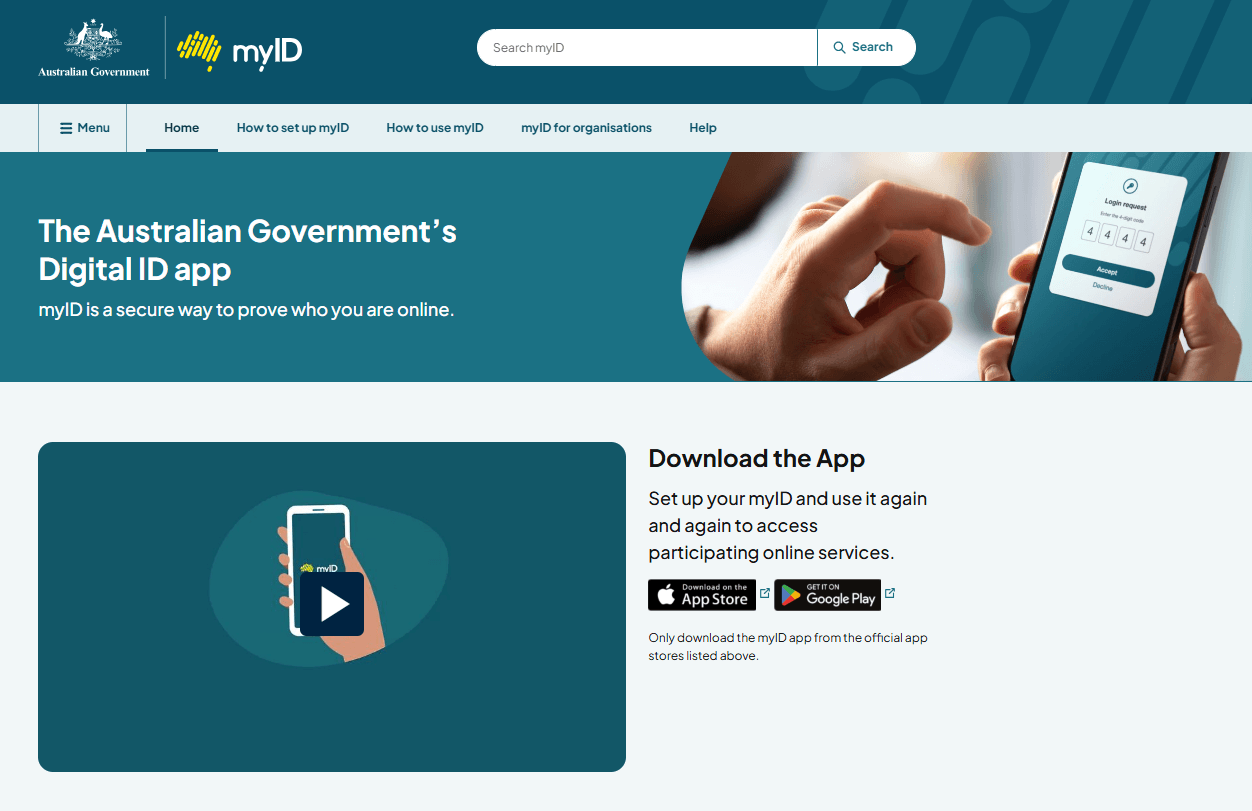
myID is the Australian Government’s digital identity app, and it’s how you log in. Download the myID app from the App Store or Google Play, then follow the prompts at myid.gov.au. The full walkthrough is on the ATO’s myID setup page.
Two things worth knowing before you start, because they catch people out:
Go for the “Strong” version if you can. myID comes in a basic and a full strength. A Standard myID is enough to nominate us, but a Strong myID lets you link your business online in the next step instead of making a phone call. Getting Strong involves a quick selfie check against your passport, so have it ready. If you only set up a Standard myID, you can still finish the job, but you’ll likely need to call the ATO to link your ABN.
The app can be slow. If myID hangs or seems to crash on first load, you’re not doing anything wrong. Give it a moment or close and reopen it. It’s a common gripe, not a you problem.
Step 2: Link your myID to your ABN via RAM
This is the step that causes the most confusion. The government uses a separate system called Relationship Authorisation Manager (RAM) to confirm you’re allowed to act for your business. Once your business is linked in RAM, you’ll be able to access Online Services for Business and nominate your tax agent.
Head to RAM and click Link your business. With a Strong myID, you can usually do it on the spot.
Can't link online?
Call RAM on 1300 287 539 (select option 3, then option 1) during operating hours. They'll check your ID and email you a code to finish the link.
Worth noting: that code expires after 7 days, so use it promptly. RAM phone waits can be long, so grab a cuppa first.
Once your business is linked, head to Online services for business and you're ready for Part 2.
Part 2: Nominating Sleek as your tax agent
This is the easy part, about five minutes start to finish.
Step 1: Log in
Go to ato.gov.au/OSB and log in to Online Services for Business with your myID.
Step 2: Add Sleek as your tax agent
1. From the home screen, go to Profile, then Agent details.
2. On the Nominate agent screen, select Add.
3. Search for us using these details:
Agent name: Sleek Tech Pty Ltd
Registered Agent Number: 26131380
Searching by the number is the quickest way to find us.
4. Check it’s us, tick the box to confirm, and hit Submit.
How you’ll know it worked: you’ll see Sleek sitting under “Agent nominations.” That’s your done. Feel free to screenshot it and send it our way.
Step 3: Give us a nudge
This is the one step that catches people out, so don’t skip it. The ATO doesn’t tell us when you’ve nominated us. There’s no automatic notification on our end, so as far as we know, nothing has happened until you say so.
So once you hit submit, send us a quick message. Two reasons:
We need your Tax File Number to add you on our side, and we can only do that after you’ve nominated us.
There’s no rush, but the nomination is active for 28 days only. If we don’t accept it in that window, it expires and you’ll have to start again. If we ever need a bit longer, you can use the Extend feature in the portal to add another 28 days, but the simplest path is to let us know right away.
Can’t access the ATO portal to nominate your tax agent?
If you can’t access Online Services for Business, the usual blocker is the RAM link, not the nomination itself. This is common for new companies, foreign directors and recent migrants who don’t have a Strong myID.
The fix is to get your ABN linked in RAM first. Call the RAM support line on 1300 287 539 (select option 3, then option 1) during operating hours, 8am to 6pm Sydney time. They’ll verify your identity and email you an authorisation code to link your business. Once you’re linked, log in to the OSB portal and nominate us using the steps in Part 2.
Have our details handy when you call: Sleek Tech Pty Ltd, Registered Agent Number 26131380.
What happens after you nominate Sleek as your tax agent?
Once we’ve accepted your nomination, you can stop thinking about the ATO portal. We’ll handle the lodgements, your accountant will tell you what to send and when, and you can get back to running the business, which was the whole point of bringing us on.
Once you’ve nominated us and let us know, we’ll accept it and, if you’re new to Sleek this season, get your return into our lodgment program before the 31 October cut-off.
Confused or not convinced? Email [email protected] or call 02 9100 0481 and we’ll sort it.
Tax and compliance doing your head in?
Sometimes it’s easier to talk things out than to Google them. Our team’s happy to help you make sense of it all, or just figure out your next step.
The nomination itself takes about 5 minutes if you already have Online Services for Business access. If you’re setting up myID and linking your ABN in RAM for the first time, allow extra time, and longer again if you have to phone RAM or the ATO to verify your identity.
Do sole traders need to nominate a tax agent?
No. The agent nomination rule applies only to entities with an ABN such as companies, trusts and partnerships. Sole traders and individuals are exempt and won’t see the nomination option in the portal.
How long is my agent nomination valid?
28 calendar days from the day you submit it. If Sleek doesn’t accept the nomination within that window it expires, and you’d need to nominate again. You can add another 28 days using the Extend feature any time during the original 28-day period.
Do I need a Strong myID to nominate my ATO tax agent?
Not always. Many business owners can nominate their tax agent with a Standard myID. However, a Strong myID can make it easier to link your business online in Relationship Authorisation Manager (RAM), which is often the step that causes delays. If you’re setting up access for the first time, it’s worth getting a Strong myID if you can.
What's the difference between RAM and the ATO?
RAM (Relationship Authorisation Manager) is a separate government system that confirms you’re authorised to act for your business and links your myID to your ABN. The ATO’s Online Services for Business is where you actually nominate the agent. You have to set up RAM first.
View more
Will the ATO tell Sleek once I've nominated you?
No. The ATO sends no automatic notification to your agent. You need to contact us directly so we can accept your nomination within the 28-day window, and we’ll need your Tax File Number to add you.